
How to Use AI Agents: Build Your First fully working AI Agent in 5 Simplest Steps ever for free.
Create Your Own AI Workforce: Simplest Guide to AI Agents in 2025
Imagine telling an AI to run your marketing campaigns, manage customer support, and research competitors, all while you focus on the big picture. This isn’t a far-off dream; it’s the reality of AI agents in 2025. These aren’t just the chatbots of yesterday. We’re talking about autonomous systems that can think, act, and build on your behalf. They are rapidly becoming the most powerful tool for automating businesses, boosting productivity, and gaining a competitive edge.
The best part? You no longer need to be a top-tier developer to harness this power. Creating and deploying your own AI agent is easier than ever. In this guide, we’ll demystify what AI agents in 2025 really are, explore the top trends, and provide a simple, step-by-step tutorial to build and launch your very own AI agent in under an hour using a no-code platform. Prepare to transform your AI workflows and unlock a new level of AI automation.
What Are AI Agents? (And Why They’re Not Just Chatbots)
First, let’s clear up a common misconception. AI agents are fundamentally different from the chatbots you might be used to. While a chatbot follows a script or pulls from a fixed knowledge base to answer questions, an AI agent is a goal-driven system with a degree of autonomy.
Think of it like this: a chatbot is a receptionist with a FAQ sheet. An AI agent is a smart assistant with a brain, memory, and access to a suite of tools. You give it an objective, and it figures out the steps to achieve it.
The Core Components of an AI Agent
The basic AI architecture of an agent allows it to reason, remember, and act. Here’s a simple breakdown:
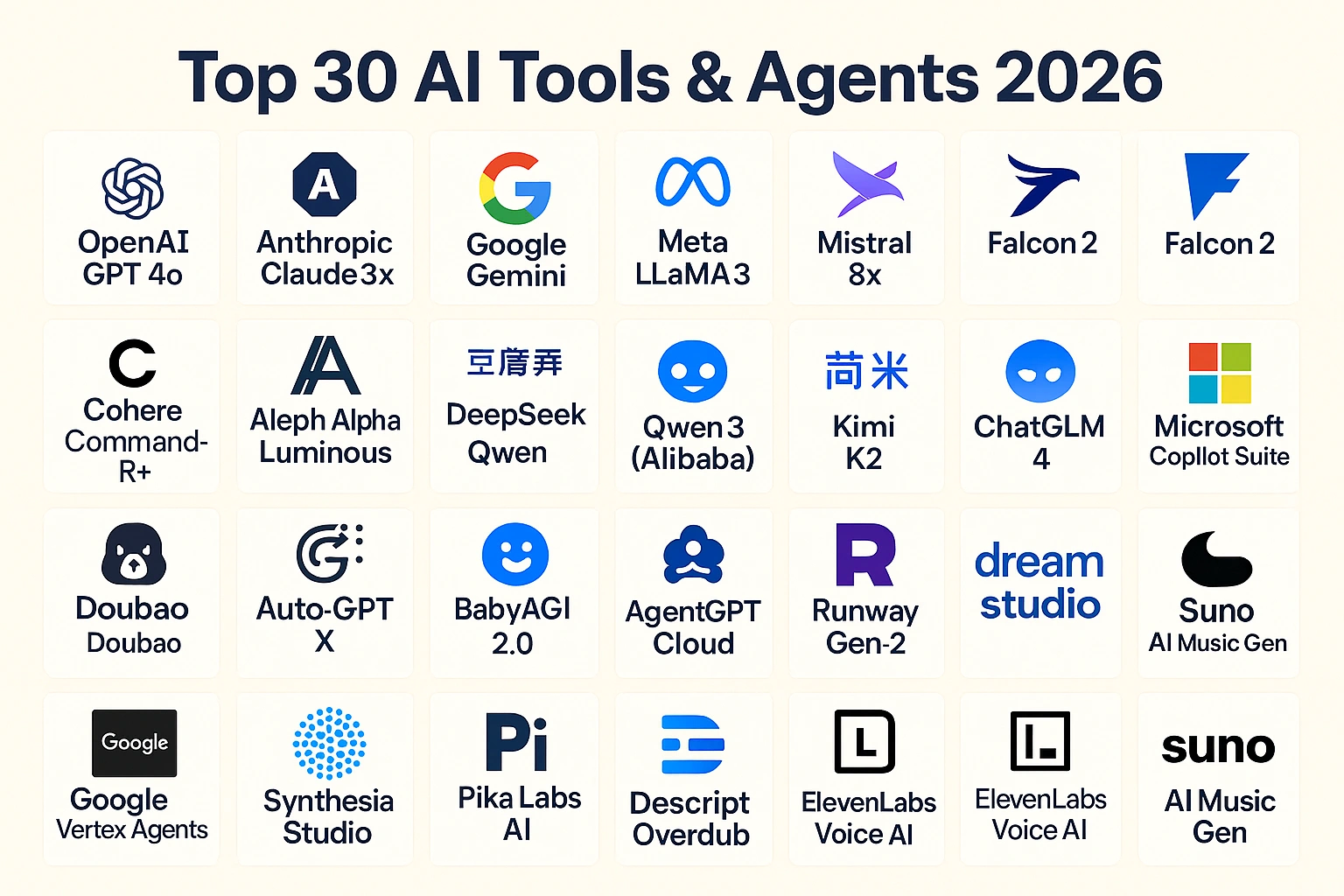
- Large Language Model (LLM): This is the agent’s “brain.” It’s the core reasoning and decision-making engine that processes information and plans actions. Models like OpenAI’s GPT series, Google’s Gemini, and Anthropic’s Claude are the powerhouses behind modern agents.
- Memory: Agents have both short-term memory for ongoing tasks and long-term memory to learn from past interactions. This allows them to maintain context and improve over time.
- Tools/Plugins: These are the agent’s “hands.” Tools give the agent capabilities beyond language, like browsing the web, sending emails, generating images, accessing APIs, or running code.
- Planning & Execution: When given a complex goal, the agent breaks it down into smaller, manageable steps. It then executes these steps in a logical sequence to reach the desired outcome.
- Feedback Loop: Advanced agents can evaluate their own performance, learn from mistakes, and refine their strategies. This self-improvement is key to their growing power.
Top Trends for AI Agents in 2025
The field is moving at lightning speed. Here are some of the most impactful trends defining the best AI agents this year.
- Agentic Teamworking: We’re seeing the rise of multi-agent systems where different AI agents collaborate to handle complex AI workflows. For example, a “researcher” agent could gather data, pass it to a “writer” agent to create a report, and then hand it off to a “marketer” agent to create social media posts.
- Specialized Agents: While general-purpose agents are powerful, specialized agents are excelling in specific domains. These include agents for marketing, healthcare diagnostics, financial analysis, and software development.
- No-Code Agent Builders: The biggest game-changer is the accessibility. Platforms like AgentX are democratizing AI, allowing freelancers, marketers, and business owners to build custom agents without writing a single line of code. This is a massive step forward in AI automation.
- Autonomous Negotiation: AI agents can now buy, sell, and negotiate on behalf of users or businesses. Imagine an agent that can find the best vendor prices for your supplies and complete the purchase automatically.
- Hyper-Personalization: From e-commerce sales agents that understand individual customer needs to recruitment agents that find the perfect candidate, AI is making interactions more personal and effective than ever.
How to Use AI Agents: Build Your First Agent in 5 Simple Steps
Ready to stop imagining and start building? Creating your own AI agent is surprisingly straightforward with the right tools. We’ll walk you through the process using AgentX, a powerful and intuitive no-code platform perfect for beginners and experts alike. You can have a custom AI agent for your website ready in under an hour.
What is AgentX?

AgentX is a no-code tool designed to build sophisticated AI agents for a wide range of use cases, including website chatbots, customer support, lead generation, workflow automation, and even digital human creation. Its user-friendly interface makes the complex process of agent creation incredibly simple. Let’s get started.
Step 1: Sign Up and Create Your Agent
First, head over to AgentX and sign up. The free plan is perfect for getting started and doesn’t require a credit card.
Once you’re logged into your dashboard, click “New” and then select “Create Agent”. This will take you to the agent configuration screen. Here, you can give your new agent a name and an avatar. You can either upload your own image or let the AI generate a unique avatar with a single click.
Step 2: Choose Your Agent’s “Brain” and Personality
This step defines the core engine and behavior of your agent.
- Choose the LLM (Large Language Model): AgentX gives you access to the latest and greatest models from top providers like OpenAI (GPT-3.5, GPT-4), Google (Gemini), Anthropic (Claude), Meta, and Grok. If you’re building a customer support agent that needs to be accurate, a model like Claude 3 Sonnet might be a good choice. For more creative tasks, GPT-4 could be ideal.
- Set the Creativity Level: This slider determines how imaginative or factual your agent’s responses will be.
-
- Creative: Best for brainstorming, content creation, or entertainment.
- Balanced: A good middle ground for most business tasks.
- Precise: Ideal for knowledge-based agents, like a support bot that needs to provide accurate policy information.
Step 3: Define Your Agent’s Skills and Instructions
This is where you tell your agent what it’s supposed to do and how it should behave.
- Greeting Messages: Set the initial message your agent uses to greet users. A simple “Hello, how can I help you today?” works, but you can customize it to match your brand’s voice.
- Agent Skills: Grant your agent special abilities by toggling on different tools:
-
- Web Tool: Allows the agent to browse websites for real-time information.
- Extract Text: Enables the agent to read and process information from documents.
- Send Emails: Lets the agent send email notifications, perfect for lead generation.
- Instructions (Guideline Prompt): This is the most critical part. You’re giving your agent its background, personality, and primary goal. You can start with a pre-built template or write your own. For example:
“You are a friendly and helpful sales agent for a sustainable shoe brand. Your goal is to help customers find the perfect pair of shoes by asking about their style and needs. Guide them toward a purchase but do not be pushy. Use a cheerful tone and emojis. Use American English.”
Step 4: Add Your Knowledge Base
An agent is only as smart as the information it has access to. AgentX offers several ways to train your agent on your specific knowledge.
- Quick Knowledge: For short, crucial pieces of information that the agent must always remember. For example,
Title: Business Hours, Content: We are open Monday to Friday, 9 AM to 5 PM EST. - Documents: Upload files like PDFs, Word documents, or text files containing your product catalogs, company policies, or internal guides. You can also connect a Google Drive folder, which allows the agent to auto-update its knowledge whenever you change a document.
- Website Info: Let your agent learn directly from your website. You can add individual page links or use a sitemap to have it crawl your entire site. This is one of the fastest ways to build a knowledgeable support agent.
- FAQ: Input a list of frequently asked questions and their answers. This is a highly effective way to ensure accuracy for common queries. You can also flag certain FAQs as “Conversation Starters” to give users helpful buttons to begin the chat.
Once your knowledge is added, click “Create Agent”. In just a few moments, your agent will be live in the test panel on the right, ready for you to chat with!
Step 5: Deploy Your Agent to Your Website
Now that your agent is built, it’s time to put it to work. AgentX makes deployment incredibly simple, especially for platforms like WordPress.
- Get the Code: In the AgentX dashboard, navigate to the “Deploy” tab for your agent. Toggle “Enable” for “Website Embedding.” You’ll see a small snippet of JavaScript code. Click “Copy”.
- Log in to WordPress: Head over to your WordPress admin dashboard. Before you proceed, make sure to deactivate any other chatbot plugins to avoid conflicts.
- Install a Code Plugin: To safely add the code, install a free plugin like “WPCode – Insert Headers and Footers.” This lets you add scripts without editing your theme files directly.
- Paste the Code: In the WPCode plugin, go to “Code Snippets” and click “Add New.” Choose “Add Your Custom Code.” Paste the JavaScript snippet you copied from AgentX into the “Code Preview” box. Make sure the “Location” is set to “Body” and that the snippet is active. Then, click “Save Snippet.”
- See Your Agent in Action: That’s it! Visit your website, and you’ll see your new AI agent widget ready to engage with visitors.
This same embedding process works for most website builders, including Shopify, Wix, Squarespace, and Webflow.
The Future of AI Agents and Autonomous Workflows
What you’ve just built is the entry point into a new era of productivity. The integration of AI agents in 2025 is evolving into fully autonomous companies and sophisticated human-AI teams. As AI agent frameworks like LangChain and no-code platforms like AgentX become more advanced, the barrier to entry will continue to fall.
The focus is shifting from single-task automation to orchestrating entire AI workflows. We’re on the cusp of a future where you can deploy a team of AI agents to manage entire departments of your business, freeing up human talent to focus on creativity, strategy, and innovation.
Conclusion: Your AI Workforce Awaits
AI agents are no longer a futuristic concept—they are a practical, accessible tool that can revolutionize your productivity today. By following the simple steps outlined above, you can build and deploy a custom AI agent that works for you 24/7, enhancing customer engagement and automating critical tasks.
The journey into AI automation is an exciting one. The next revolution won’t be run solely by humans; it will be managed and optimized by your own AI agents.
Ready to explore more tools and build your AI-powered future? Visit ProAITools.net, the world’s largest AI tools directory, to discover thousands of solutions. And when you’re ready to build your first agent, give AgentX a try.